

Better Tracking with MorTrack in 10 Steps

Clear Records, Without Complicated Processes

MorTrack doesn’t change how you work, it reinforces it.


By quietly following the work you already do—step by step—it means nothing is missed and nothing has to be remembered later.

Flexible For How You Work

Transport companies, trade services, and even separate funeral homes operate differently, so only follow the steps below that meet your process.
Step 1:

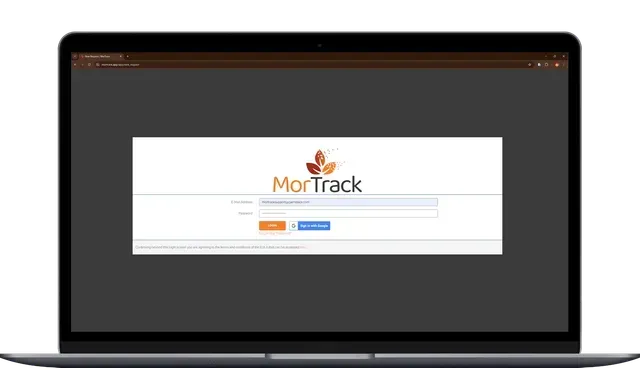
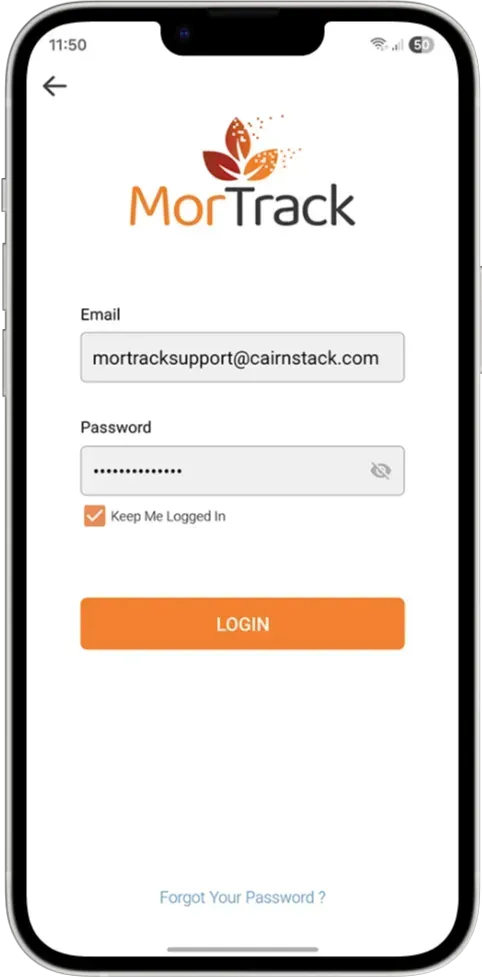
Login to the MorTrack App

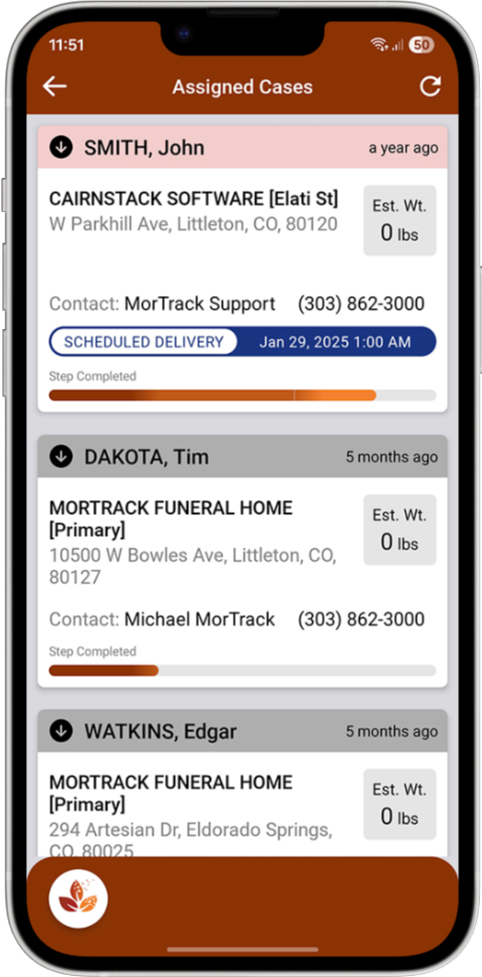
MorTrack is available on desktop but designed for mobile, so whether you’re in the office or in the field, you’re looking at the same information.


Everyone starts from the same place, with access based on their role — so the right people see what they need, and nothing gets scattered.

Step 2:

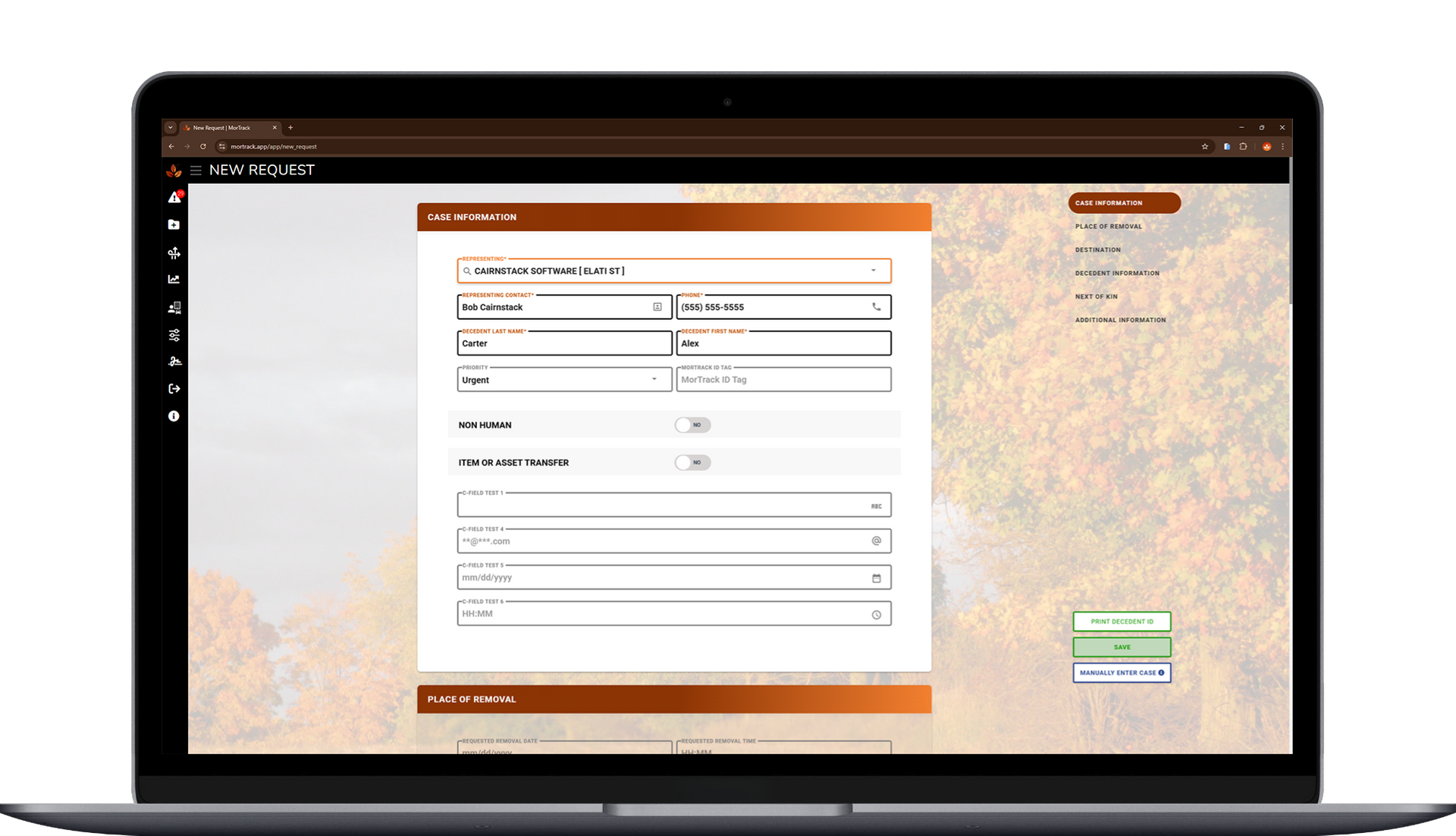
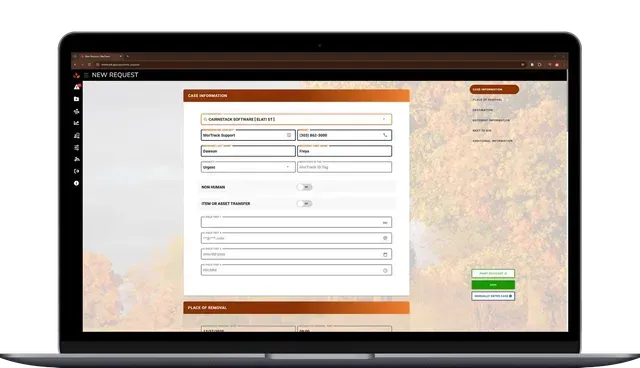
Create a Case

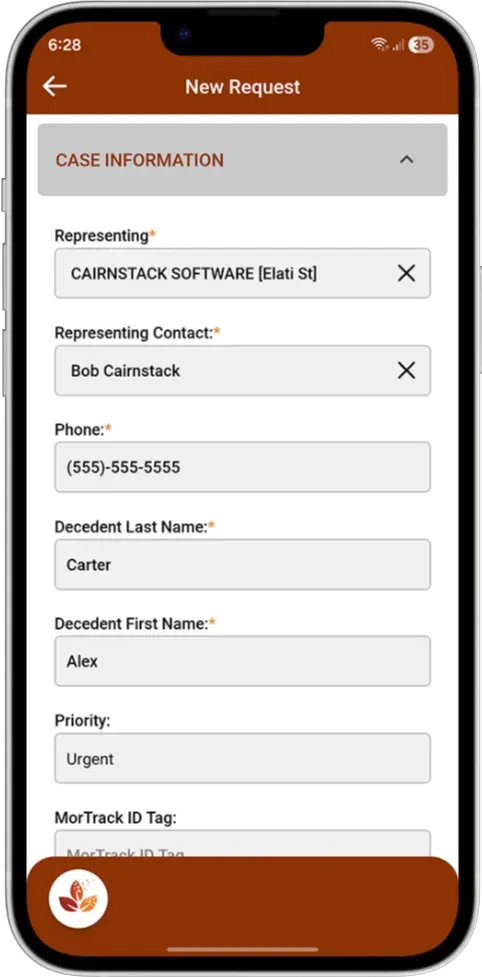
When the first call comes in, a case is created — just like you’re already doing today.


MorTrack assigns a unique case ID that stays with that individual from start to finish. From that point on, everything related to the case lives in one place.


No duplicate notes.
No wondering which version is correct.

Step 3:

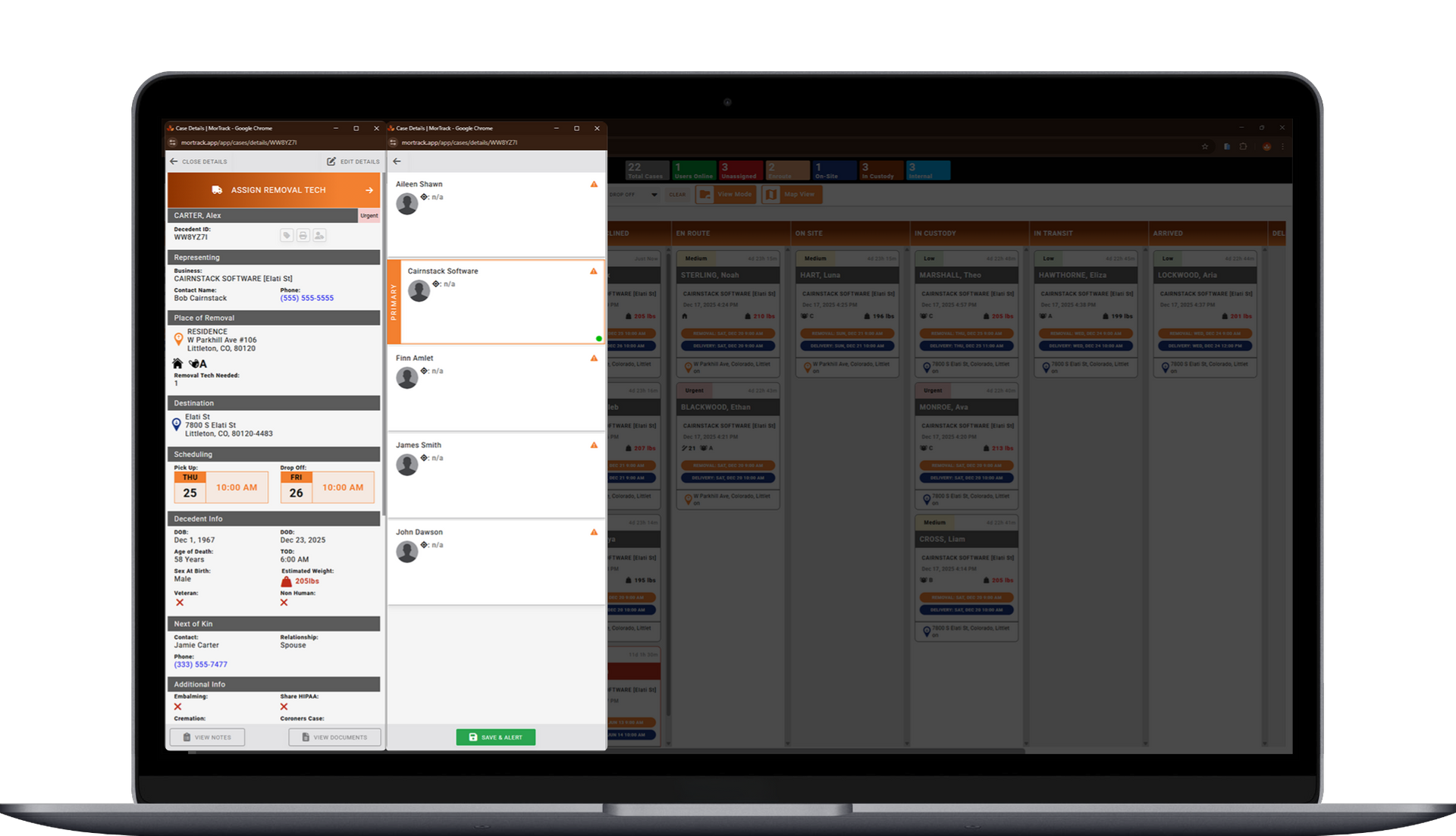
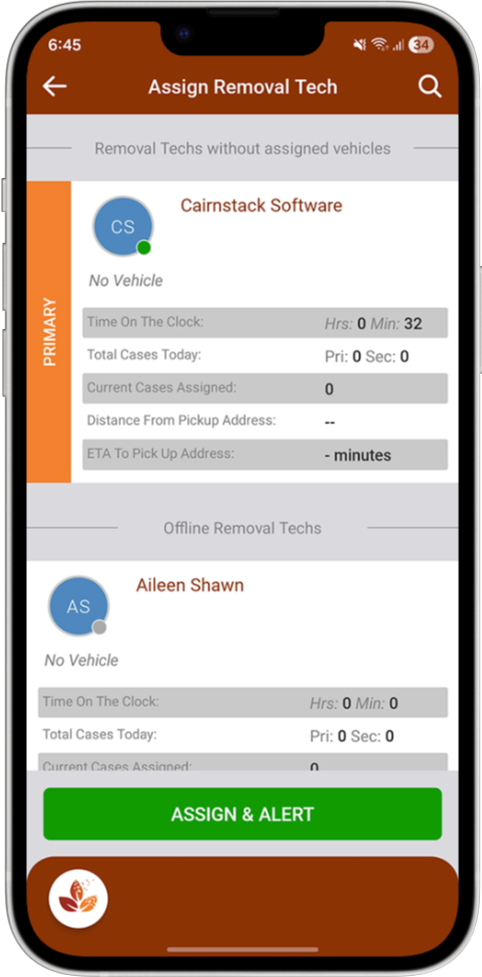
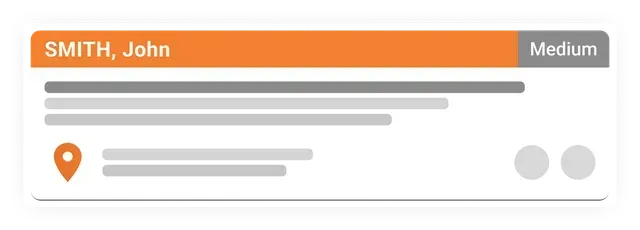
Assign a Driver to the Case

Contracted drivers or internal team members are assigned to the case as reminders of who’s handling what.


MorTrack keeps track of when responsibility changes, so even across shifts or busy days, there’s never a question about who was involved at each step.

Step 4:

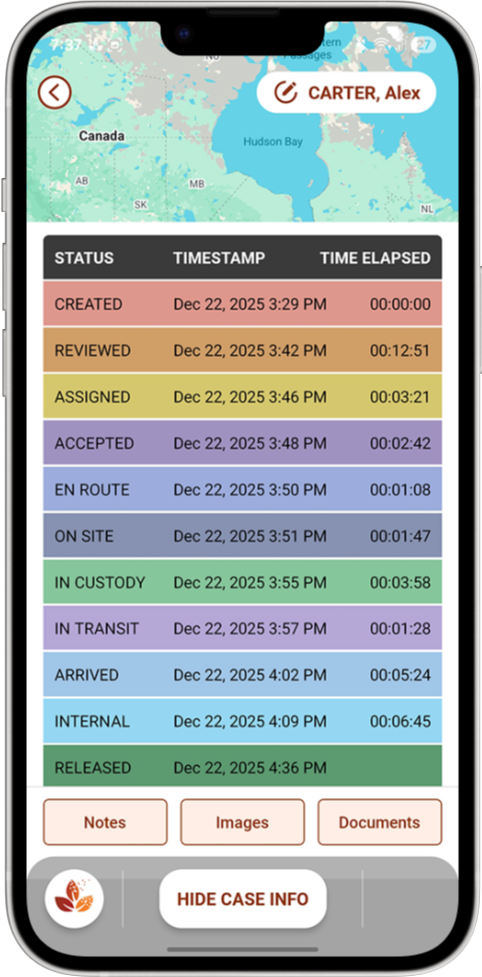
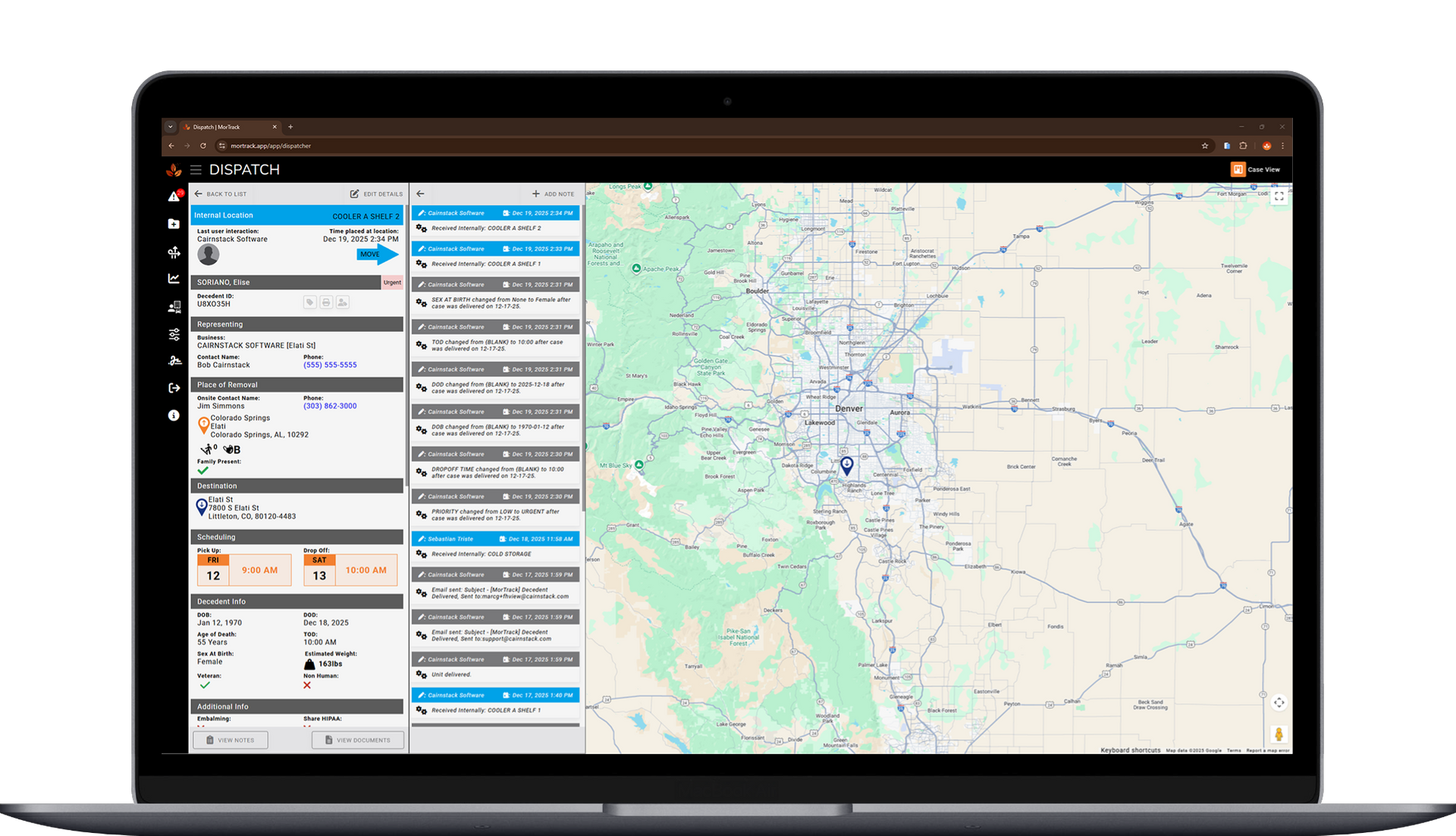
Time-Stamp Every Pickup & Dropoff

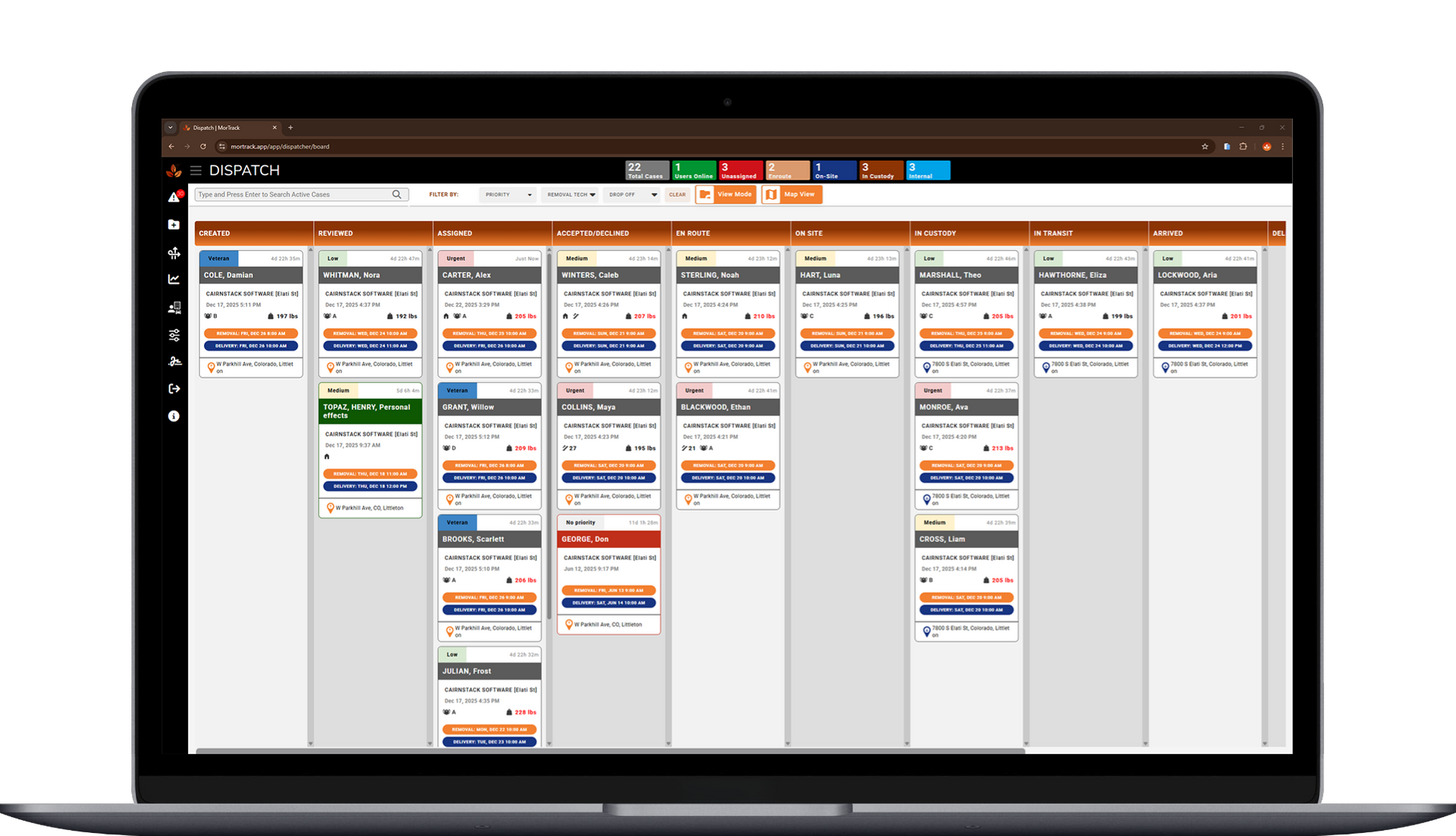
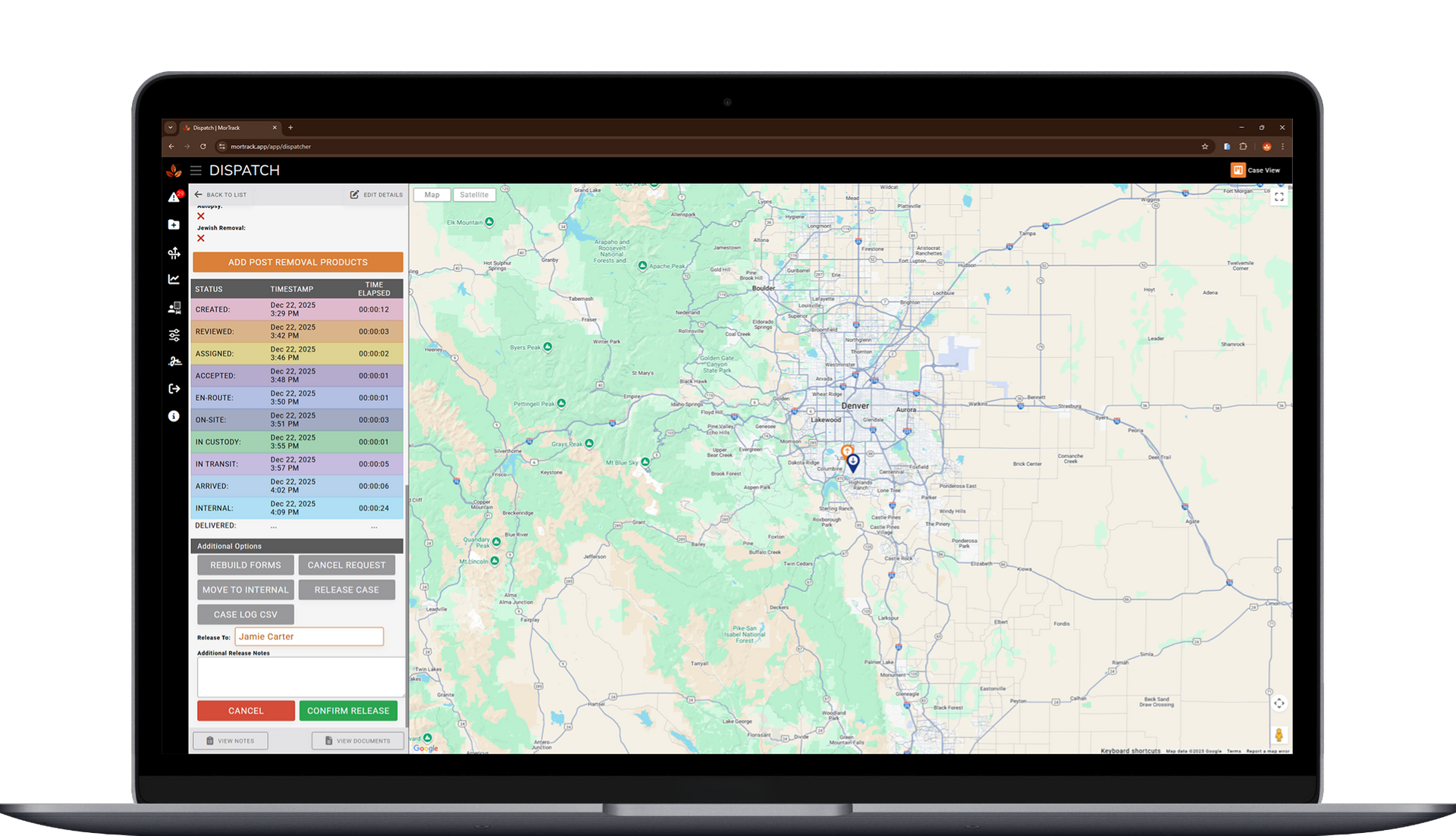
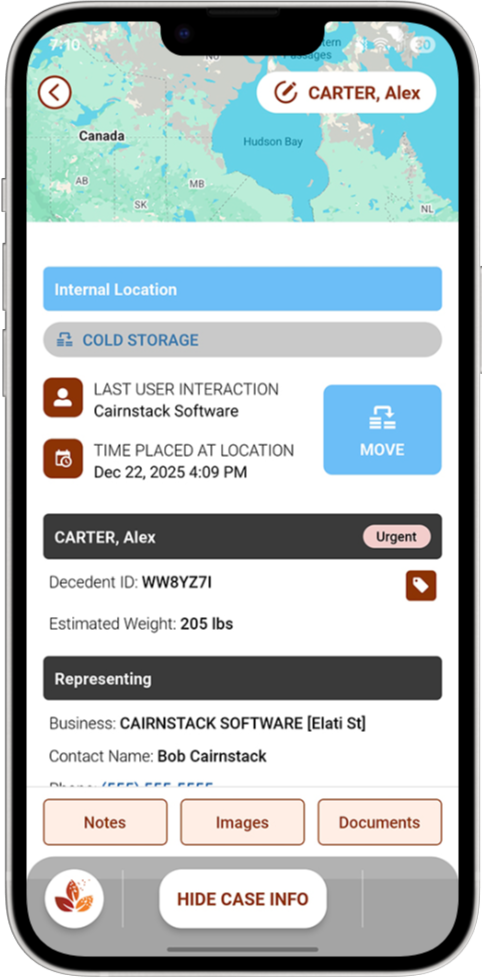
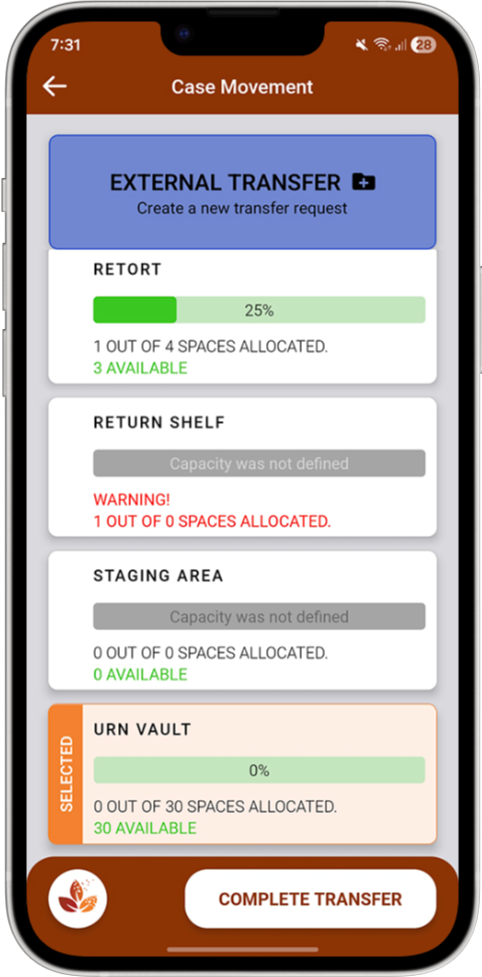
As the case moves — from pickup to vehicle, room to room, or shift to shift — MorTrack quietly records each movement with time and responsibility attached.


There’s nothing extra to do and nothing to remember later.
The documentation keeps up with the work.

Step 5:

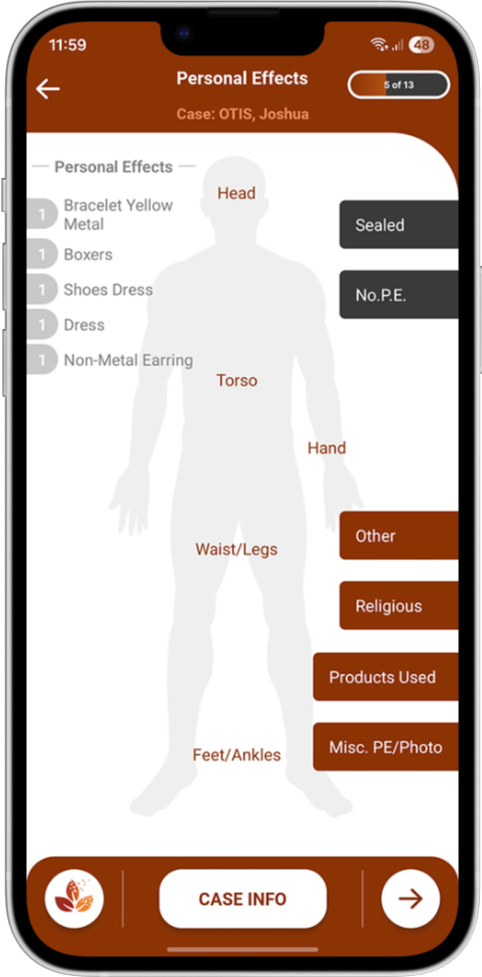
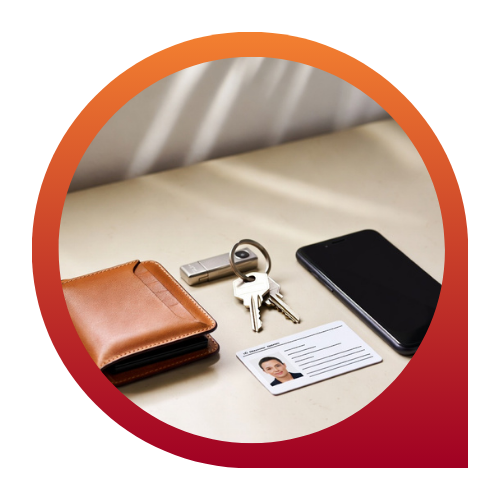
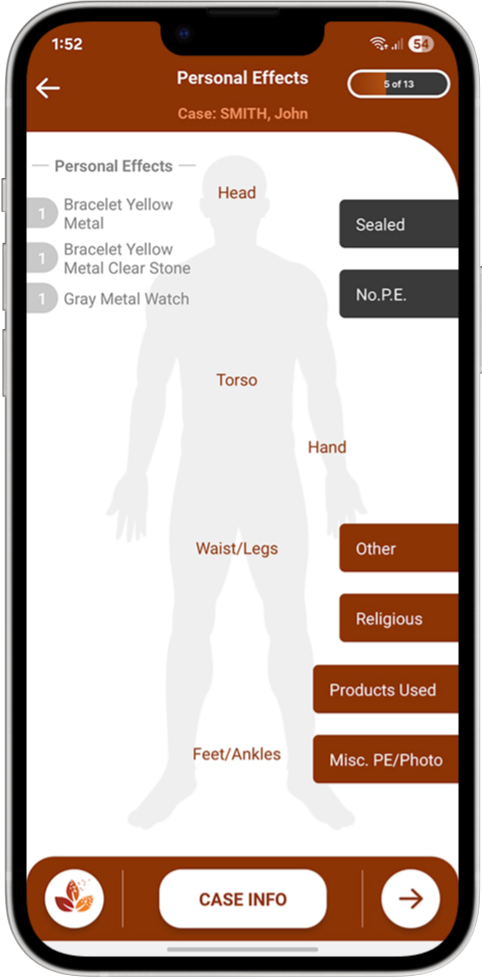
Record Any Personal Effects in the App

Watches, jewelry, clothing and more.


Personal effects are recorded directly in MorTrack, right alongside the rest of the case details.


Notes and photos stay connected to the same record, which makes it easier to answer questions later without digging through separate logs or paperwork.

Step 6:

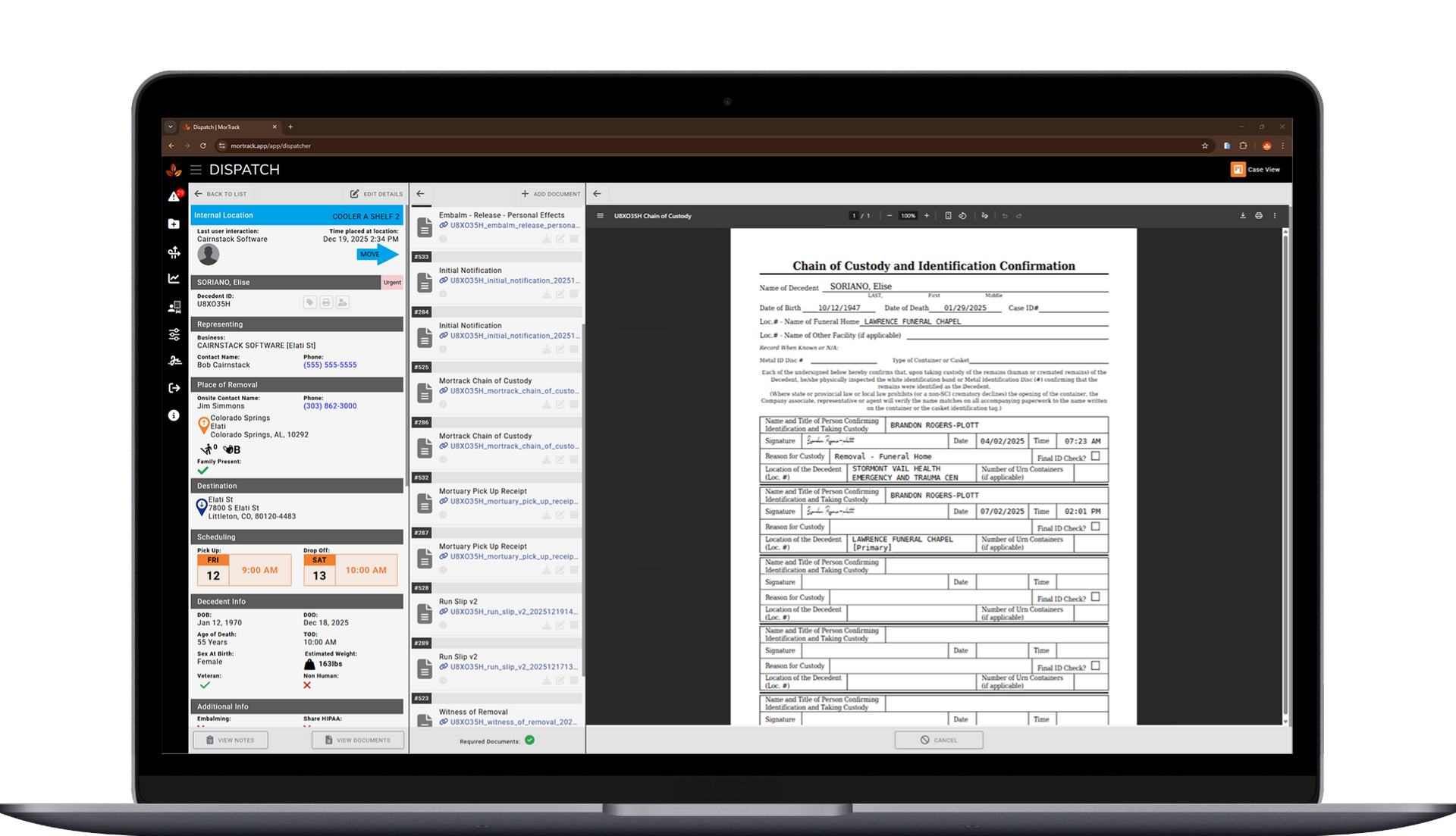
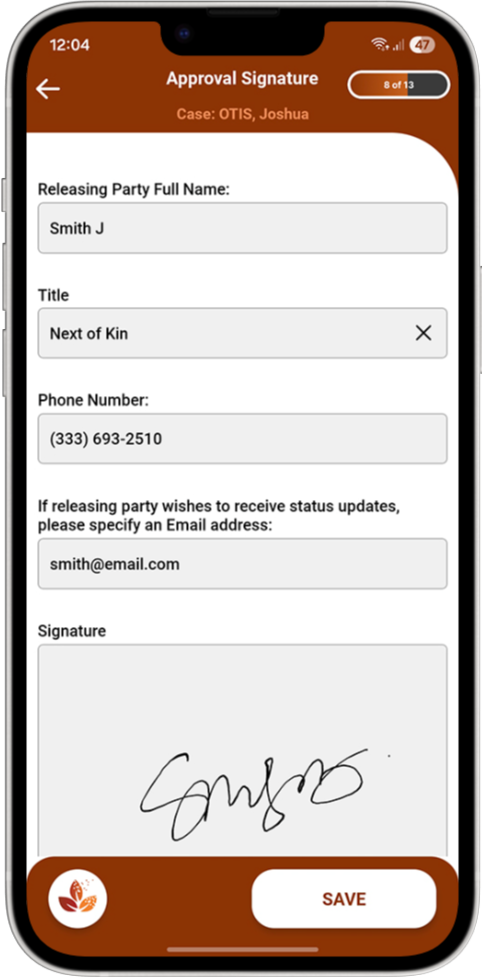
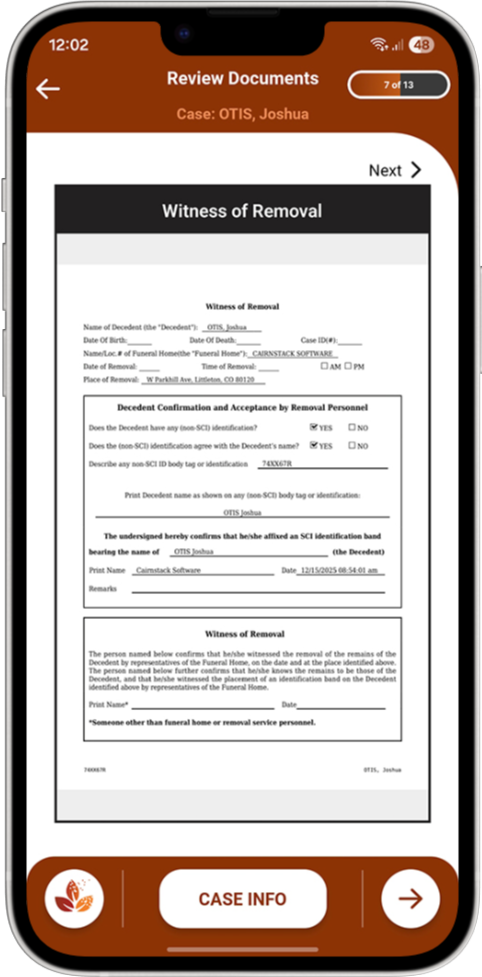
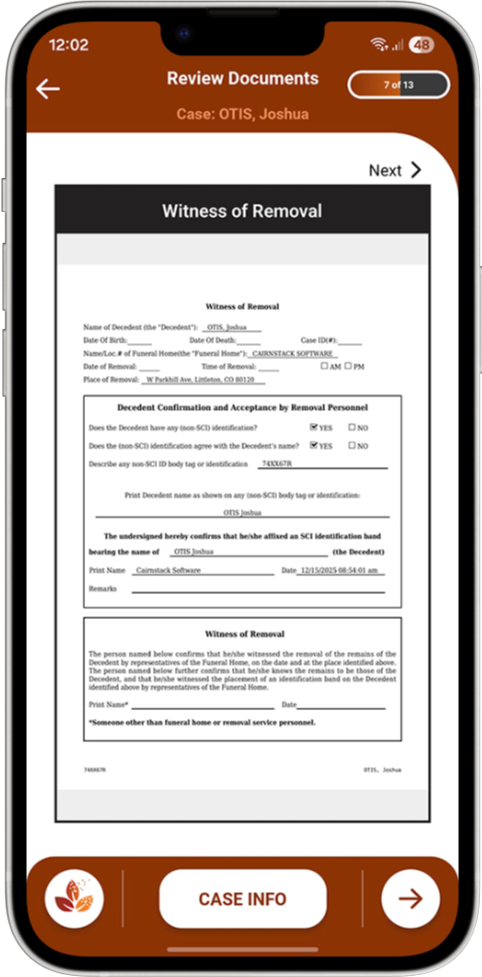
Get Signatures on Required Forms

When a form or signature is needed, it’s captured right then — as part of the process, not after the fact.


Everything attaches directly to the case, so nothing goes missing and nothing has to be tracked down later.


No handwriting. 

No chicken scratch.

No missing signatures.

Step 7:

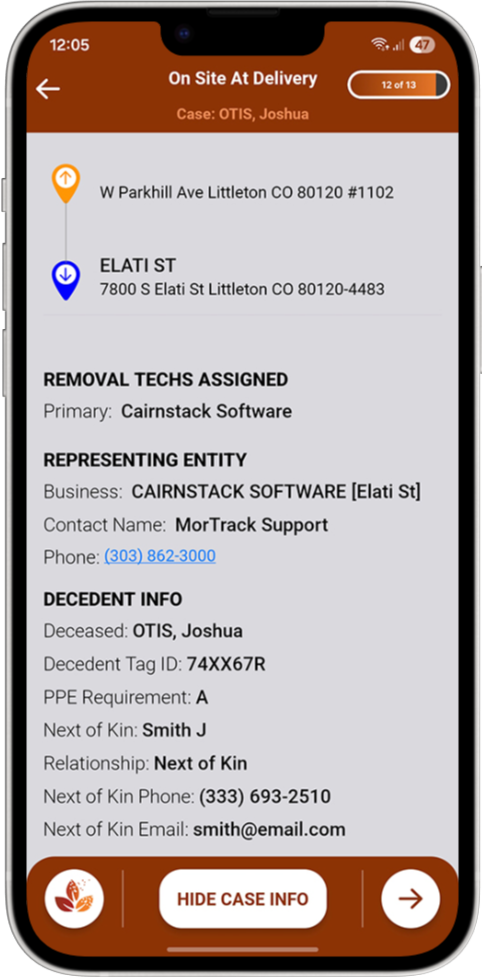
See Drivers, Decedents & Belongings

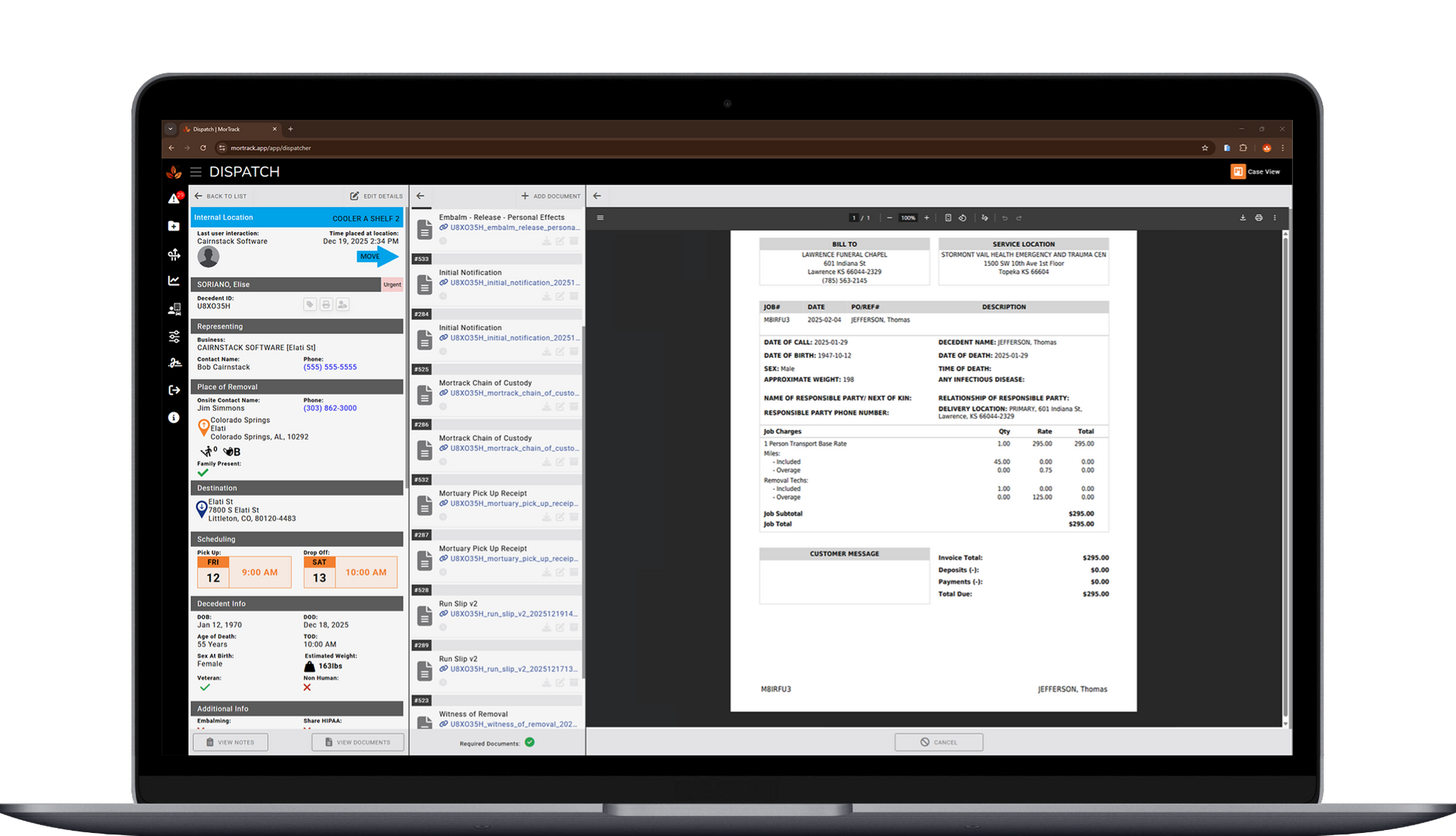
Movements, assignments, forms, signatures, notes, photos, and personal effects all stay connected within the same case.


When you open it, you see the whole picture — clearly and in order — without having to piece anything together.

Step 8:

Assign & Track Trade Service Work

If trade service companies are involved, their work is documented in the same case record.


With MorTrack, care can move outside your team without losing visibility or clarity, and the documentation stays intact the entire time.

Step 9:

Invoice Third Party Contractors

When it’s time to invoice or confirm work done by third party contractors and partners, you’re not starting from memory.


The details are already documented: what happened, when it happened, and who was involved. This cuts down on follow-ups and questions later.


Time, mileage, additional costs are now all accounted for.

Step 10:

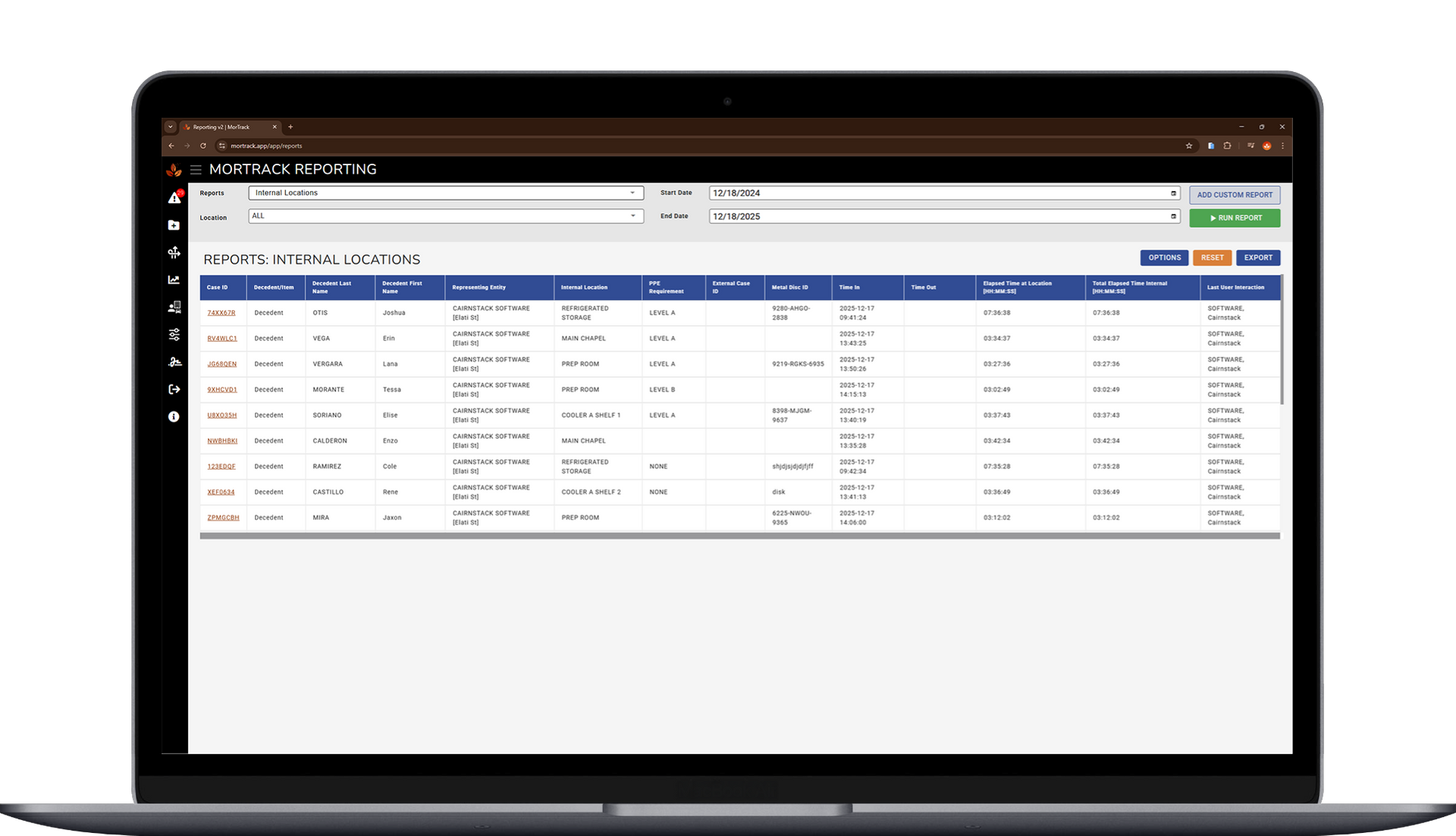
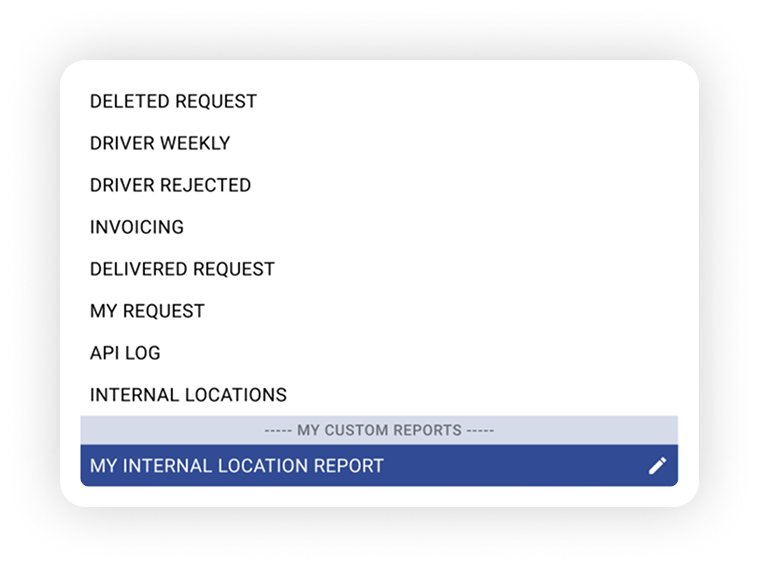
Run Compliance-Ready Reports

Whether someone asks tomorrow or months from now, you don’t have to reconstruct anything. You simply open the case, reference the record, and answer with confidence — because the work and the documentation moved together the entire time.


When someone asks a question; from a family, a coworker, a partner, or an inspector—the answer is already there.

Digital Chain of Custody by MorTrack

How This Works for Your Business

For Funeral Homes

From First Call to Service


A call comes in and a case is created.


As the loved one arrives, moves through your care, and preparations begin, MorTrack tracks each step and logs belongings along the way.


When a family asks where their loved one is—or what items were received—you don’t check boards or call the back room.


You open the case and answer with confidence.

MorTrack for Funeral Homes

For Trade Services

Work Completed & Documented


Cases arrive throughout the day and move across rooms, shelves, and shifts.


MorTrack tracks internal movement automatically so everyone sees the same information—without relying on memory or handwritten logs.


When partner funeral homes ask for confirmation, you don’t explain.


You provide documentation.

MorTrack for Trade Services

For Removal Companies

Fast Calls, Clean Records


A call comes in and a driver is dispatched.


Pickup details, timing, signatures, and transfer information are captured in MorTrack as the work happens—right from the field.


When billing, questions, or confirmations come later, you don’t have to reconstruct the call or try to find someone who remembers.


You reference the record.

MorTrack for Removal Companies

Proud to Work with Some of the Profession's Best

What a A Better Day-to-Day Looks Like With MorTrack

Less Guessing. Fewer Interruptions. More Control.

Because MorTrack builds the record as work happens:


  • Forms are auto-filled as case info is added
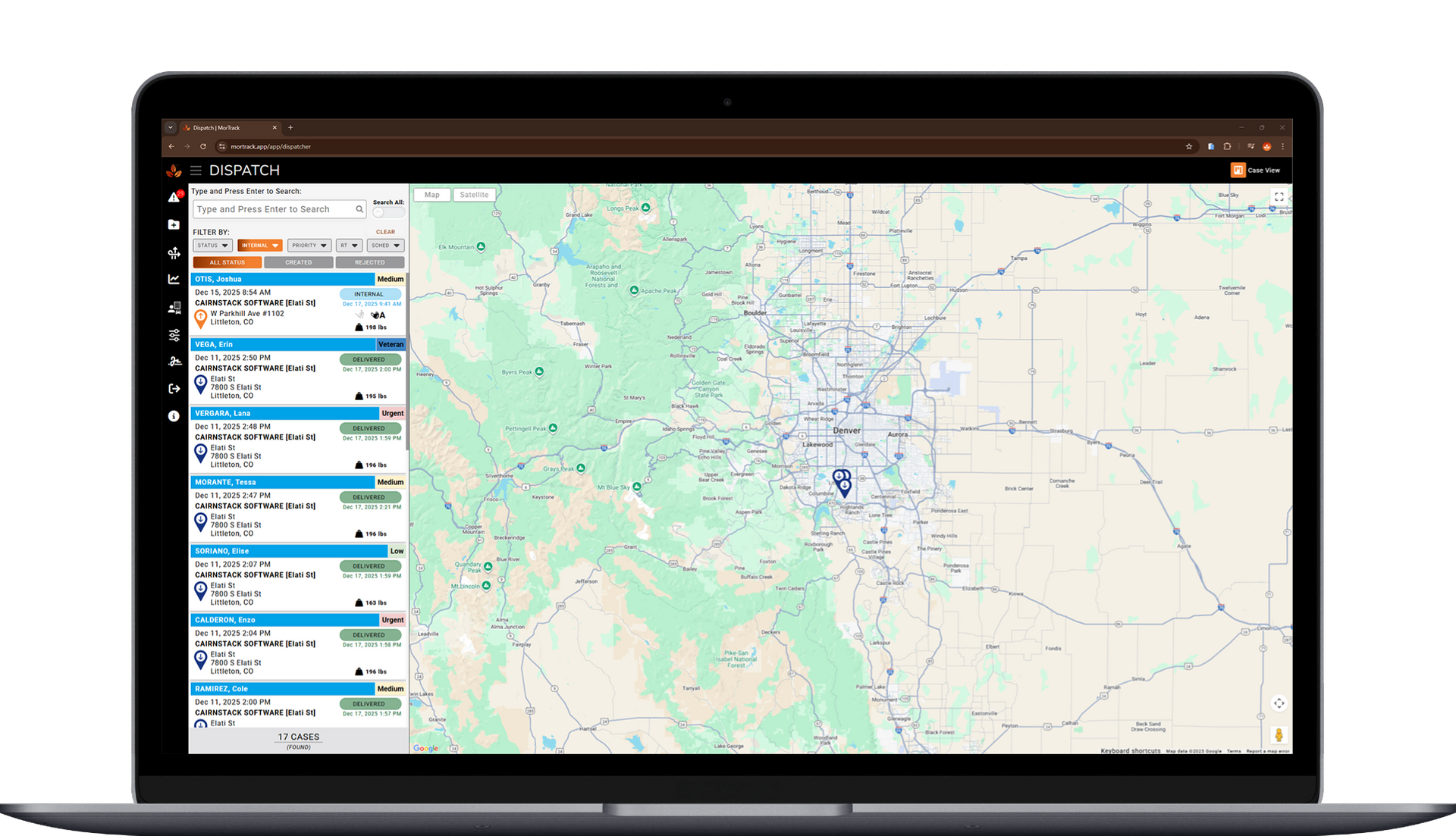
  • Staff know where cases are in real time
  • Fewer calls and texts asking for updates
  • Less end-of-day paperwork
  • More confidence across teams


Most teams save up to 30 minutes per case by eliminating manual documentation and follow-ups.

Tools That Supercharge Your Workflow

Take back time in your day with the right tools—there when you need them:

Mobile app with offline mode

Digital forms & signatures

Internal location tracking

Personal effects documentation

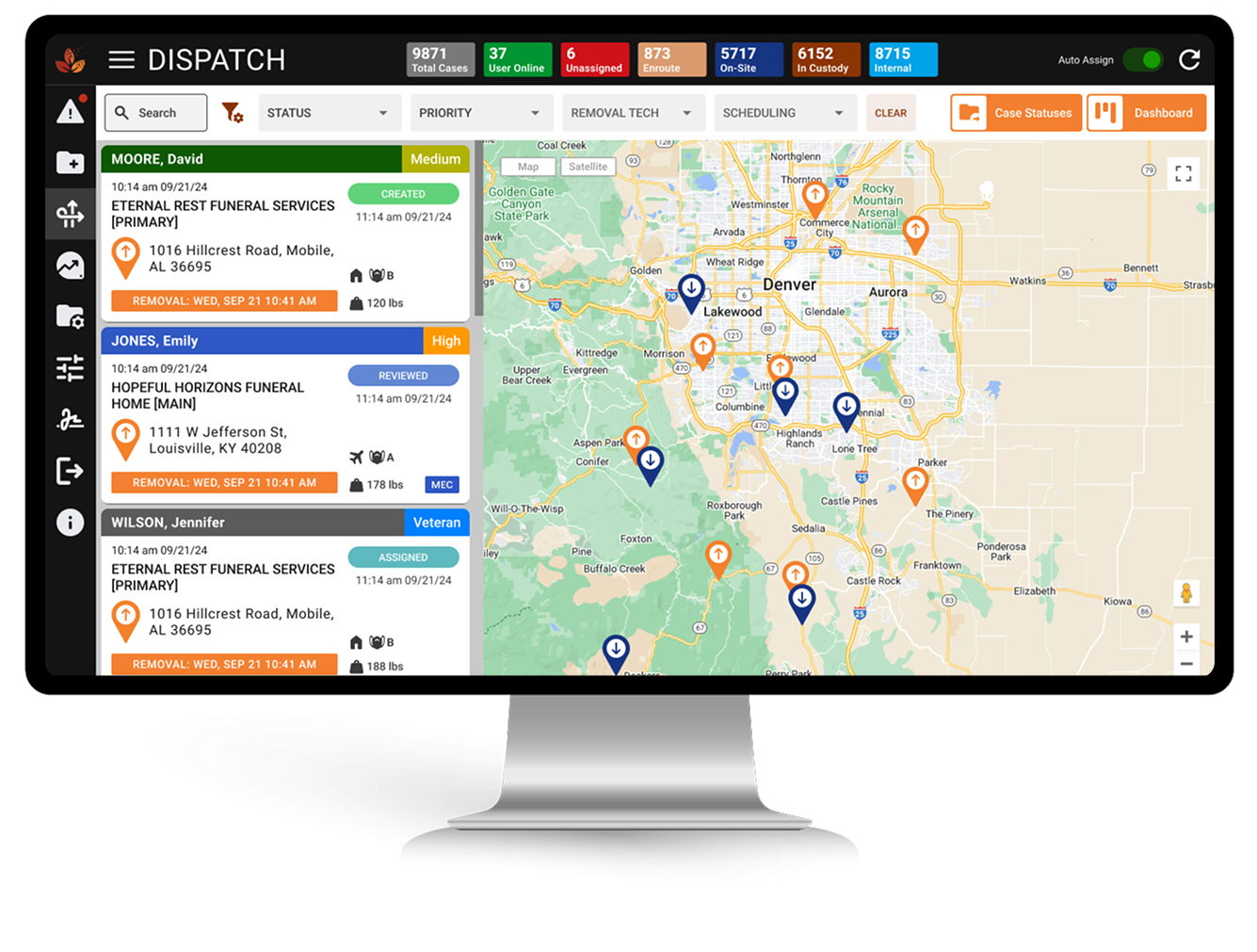
Dispatch View & Tracking

Unique ID and QR codes

Reports & Invoicing

Family-facing app

See How MorTrack Works for You

MorTrack doesn’t add complexity. It removes uncertainty. Once you see it in action, it feels obvious. Book a quick walkthrough to see how MorTrack improves your workflow.